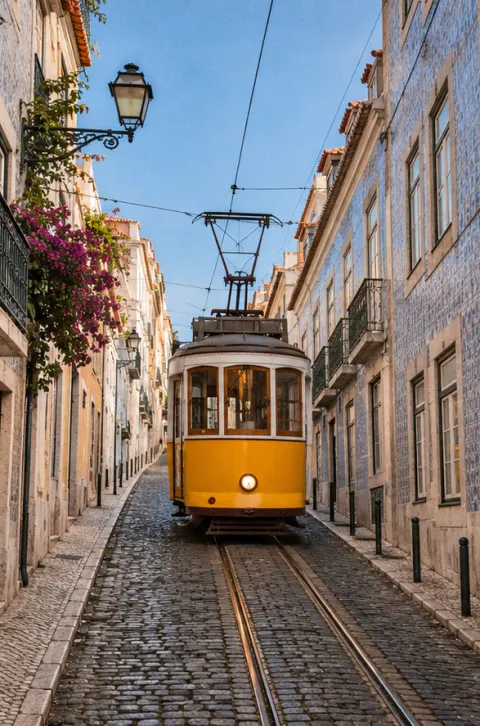
8,192,896 plays · 1,321,722 likes · 2,307 comments · 2 slides. TikWM snapshot, Nov 25, 2026 UTC.
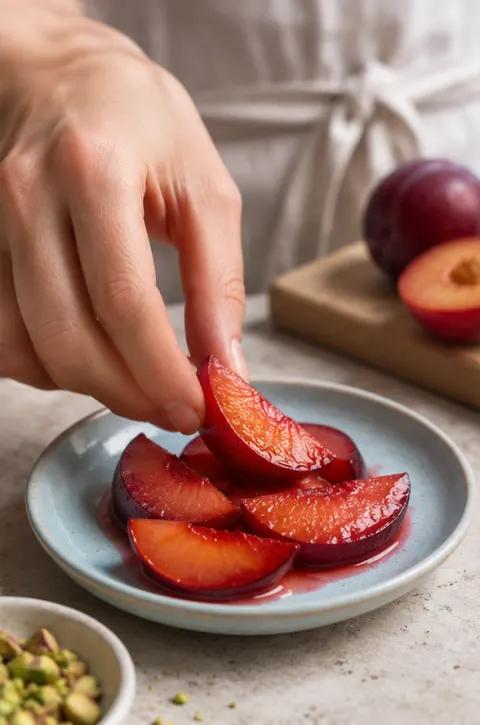
FoodImageGen remake
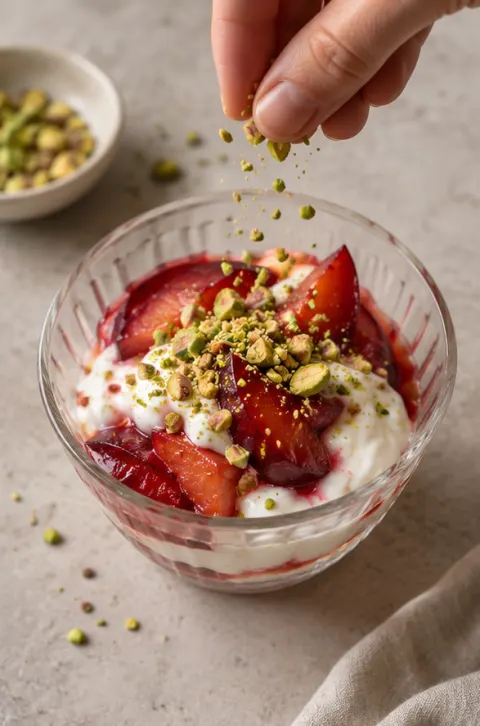
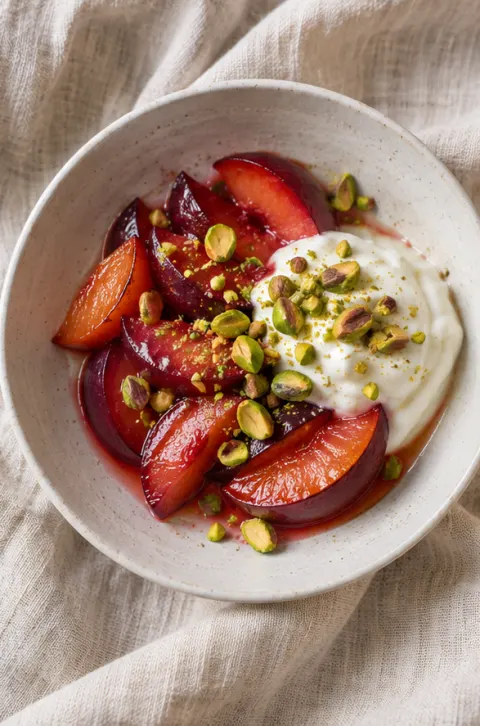
The three o’clock plum bowl.
Slice one ripe plum.
Yogurt, fruit, pistachio crunch.
The plum bowl
The source pairs a short food headline with small ingredient photos on white. Our version follows one summer snack from ingredients to the finished bowl.
Choose a connected TikTok account, set the time, and queue a video or photo post. See every account together or filter to one. Open a day or post for its details.
Practice board · sample drafts
Plan the week.
Pick a draft, then tap a day. You can also drag it into place.
Sample calendar
Wednesday, January 03, 2024
UTC · 0 posts across all accounts
No posts
No posts for this selection.
Scheduled delivery
Close the laptop.
Once your upload and schedule are saved, ShortsBlink keeps the queue running on its server.
Post status · interactive example
Follow the handoff.
The plum bowl@fieldnotes · Direct post
✓ Three photos uploaded
✓ Submitted to TikTok
◷ TikTok is processing the post
✓ TikTok confirms publication
! TikTok declined the chosen audience. Review the account’s available options.
Destination
Choose the finish.
Send the media to your TikTok inbox to add music or make a final edit in the app.
Choose the permitted audience for this account and have ShortsBlink submit the finished post directly.
Account selection
Give each handle its own queue.
Use the colored account filters above to view one handle’s posts. Choose All accounts to check the total before adding another.
Install or update my personal TikTok skill from https://shortsblink.com/static/lifetime/shortsblink-tiktok/SKILL.md. Connect the shortsblink MCP at https://shortsblink.com/lifetime/mcp using the SHORTSBLINK_LICENSE_KEY environment variable for bearer authentication. List my TikTok accounts.
Option 2 · Paste everything into Codex
Open Codex and paste this message. It’s simpler, but the license key will be visible in your chat history.
Install or update my personal TikTok skill from https://shortsblink.com/static/lifetime/shortsblink-tiktok/SKILL.md. Connect the shortsblink MCP at https://shortsblink.com/lifetime/mcp. Save my license key YOUR_LICENSE_KEY as its bearer token in my private Codex settings. List my TikTok accounts.
Install or update my personal TikTok skill from https://shortsblink.com/static/lifetime/shortsblink-tiktok/SKILL.md. Connect the shortsblink MCP at https://shortsblink.com/lifetime/mcp using the SHORTSBLINK_LICENSE_KEY environment variable for bearer authentication. List my TikTok accounts.
Option 2 · Paste everything into Claude Code
Open Claude Code and paste this message. It’s simpler, but the license key will be visible in your chat history.
Install or update my personal TikTok skill from https://shortsblink.com/static/lifetime/shortsblink-tiktok/SKILL.md. Connect the shortsblink MCP at https://shortsblink.com/lifetime/mcp. Save my license key YOUR_LICENSE_KEY as its bearer token in my private Claude Code settings. List my TikTok accounts.
Keep your editable originals locally. ShortsBlink stores the media you upload for scheduling, your connected TikTok accounts, and the queue that runs while you’re away.
A folder you can open.
Save the original photos, slide order and editable captions together. Upload the finished media when you schedule.
weekend-guide/
├── reference/ original photos
├── slides.json captions and order
├── art/ generated images
└── final/ slides for TikTok
Google sign-in
Return with the same account to recover your purchase and open your calendar.
Private agent key
Your key is ready in your workspace after payment. Replace it whenever you need to disconnect an old installation.
One-time payment
Stripe handles checkout and billing. Use the AI plan you already have with your agent.
Lifetime pricing
Pay once. Keep creating.
Each launch tier buys the same ShortsBlink TikTok license. The one-time price rises as places sell.
Sign in to the ShortsBlink account that holds your license. ShortsBlink creates your key as soon as Stripe confirms payment. Choose Codex or Claude Code in Agent setup. Copy the terminal command with your key, then paste the setup message into your agent. You can also copy everything into one chat message.
Lifetime access to the TikTok workspace, its scheduling tools, the MCP connection and the downloadable skill for one ShortsBlink user. Your AI provider bills its own usage separately.
Can I use videos and slideshows?
Yes. Upload one MP4 or MOV video, or an ordered set of JPG, PNG or WebP images. Scheduled media stays available until one hour after TikTok confirms publication or inbox delivery. To reuse media after that, upload the original again.
Does my computer have to stay on?
Once ShortsBlink has received the media and the calendar entry, the server handles the scheduled delivery. Inbox delivery still needs you to finish the post in TikTok.
Can I disconnect a TikTok account?
Yes. Open the calendar and expand Manage accounts. Clear pending posts and pause active automations before disconnecting. Your TikTok profile and past calendar entries stay available on their respective platforms.
What happens if I lose my key?
Sign in with the same Google account and replace your access key. Update SHORTSBLINK_LICENSE_KEY and reopen your agent.